TradingView workflow
TradingView Alerts for Breakouts, Trend Changes, and Signal Review
Alerts are most valuable when they bring a trader to a defined decision point. They should reduce screen time and support a checklist, not replace analysis or trigger unreviewed trades automatically.
Quick answer
Quick answer to TradingView alerts
TradingView alerts are most useful as event notifications that bring a trader back to a defined review process. For scripts that use alert(), TradingView lets the user create an alert using the script and select Any alert() function call; the script controls the alert message and trigger logic.
Key takeaways
- An alert should identify what happened, on which symbol and timeframe, and what needs to be reviewed next.
- Indicator setting changes may require existing alerts to be recreated or checked.
- Alerts reduce screen time but do not replace structure, risk, or execution rules.
Start with an alert plan
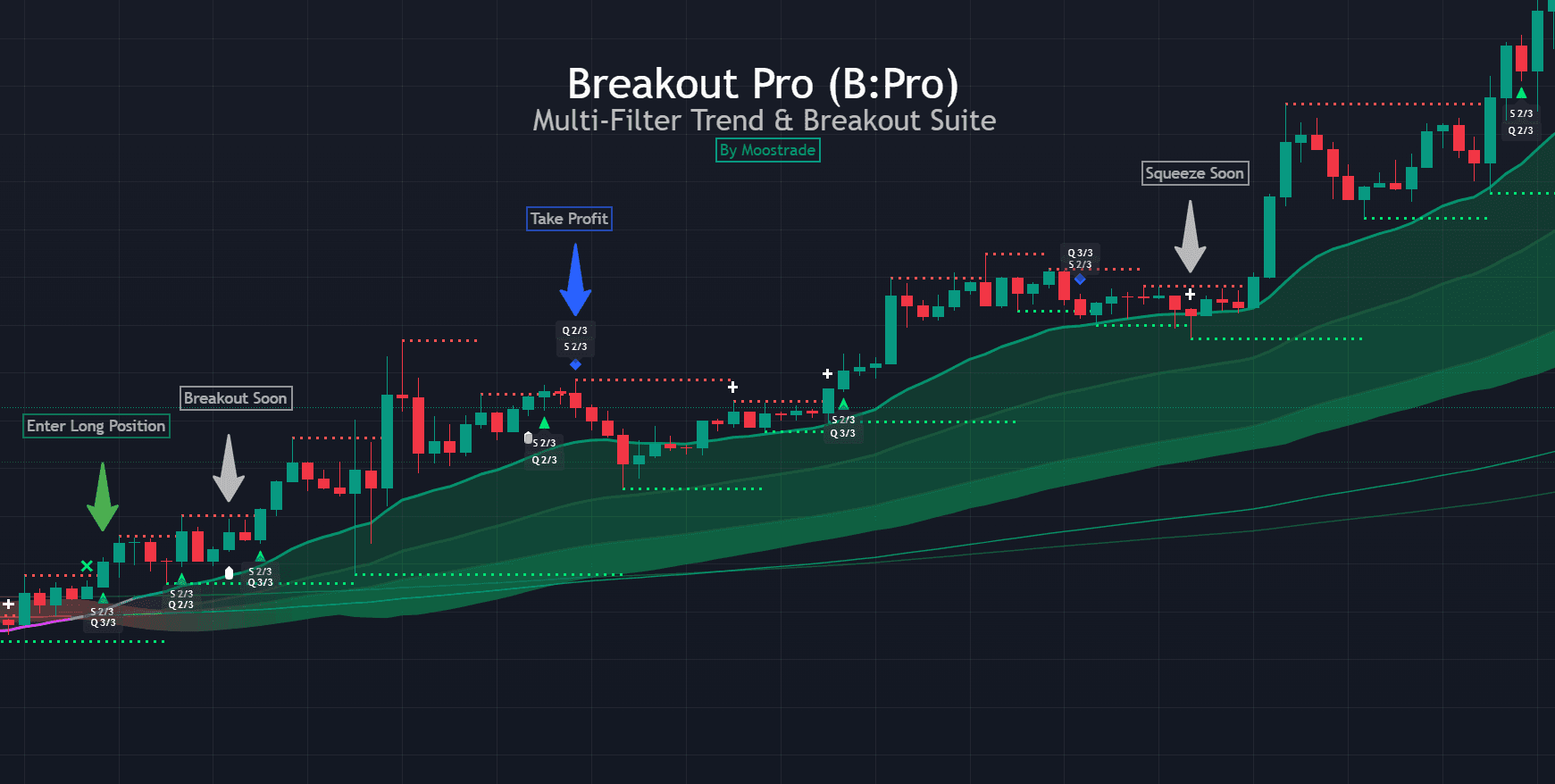
Decide which supported events are important before creating notifications. B:PRO provides long entry, short entry, exit, divergence, and breakout/breakdown alert categories. Too many notifications can make important alerts easier to ignore.
Each alert should answer three questions: What happened? On which symbol and timeframe? What review should happen next? Context inside the message makes the alert useful when it arrives away from the chart.
Events available in the B:PRO workflow
The v6 manual lists five alert categories. Selecting a category inside B:PRO only allows that category to trigger. The trader must also create a TradingView alarm with the condition set to Any alert() function call.
- Breakout and breakdown events around confirmed structure
- Long and short entry conditions
- Exit events from Close Long and Close Short
- Bullish and bearish divergence events
- No dedicated stop-loss alert
A disciplined alert review workflow
When an alert arrives, first confirm that the chart still matches the message. Review the higher-timeframe regime, structure level, enabled filters, and distance to invalidation. If the setup no longer fits the plan, the correct action can be to do nothing.
Use separate alert names for observation, possible entry, and trade management. That separation prevents an early warning from being mistaken for a complete setup. Keep notification channels limited to the events you can realistically review.
Maintain and test alert configurations
TradingView alerts can preserve the settings present when the alert was created. After changing an indicator configuration, confirm whether existing alerts need to be recreated. Test messages before relying on them, and remove alerts tied to markets or timeframes you no longer monitor.
Alerts are operational tools, not evidence of expected performance. Forward-test the complete decision process and document how often alerts lead to valid, invalid, or ignored setups.
Frequently asked questions
Can TradingView alerts execute trades automatically?
TradingView can send notifications and webhooks, but automation requires a separate, carefully secured integration. B:PRO is presented as a discretionary decision framework rather than an automatic trading system.
Should every B:PRO event create an alert?
No. Choose events that belong to your tested workflow. Excessive notifications reduce attention and make important alerts easier to miss.
How do I activate B:PRO alerts?
Enable the desired alert categories in B:PRO, create a TradingView alarm, and select Any alert() function call as the condition. Both steps are required.
Sources & further reading
Primary references
References support platform mechanics, market structure definitions, or product documentation. They do not imply performance guarantees or endorsements.
Continue your research